Engineering Oct 9, 2026
Connecting to the Tools You Use
Shape connects your AI coding agent to GitHub, Linear, Slack, Figma and 20+ other tools, so you can get work done across the apps you already use, all from one place.
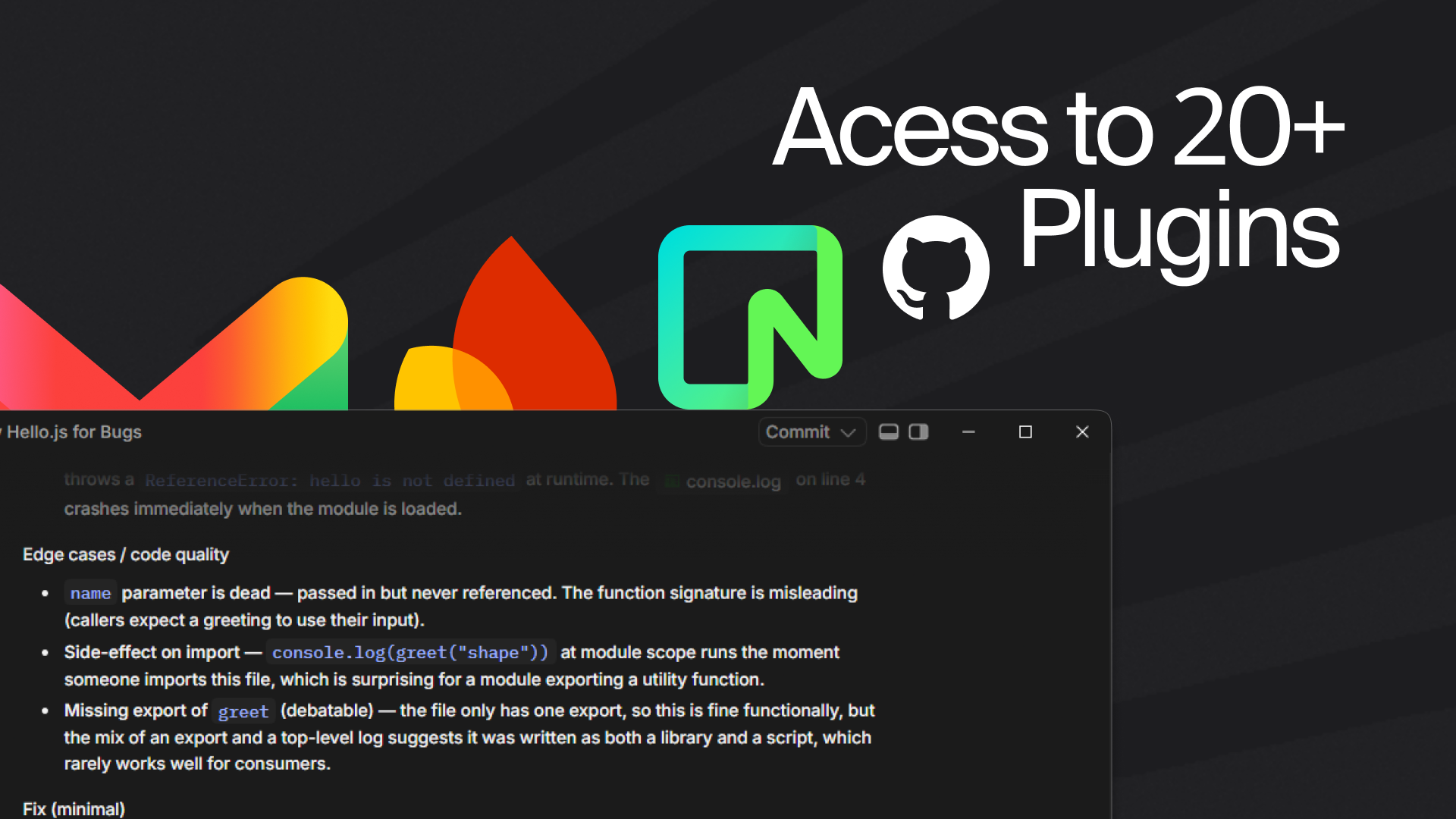
Your work doesn't happen in just one app. Your code lives in GitHub, your tasks are in Linear, conversations happen in Slack, and designs live in Figma. Switching between all of them just to get one thing done gets old quickly.
That's why Shape supports plugins.
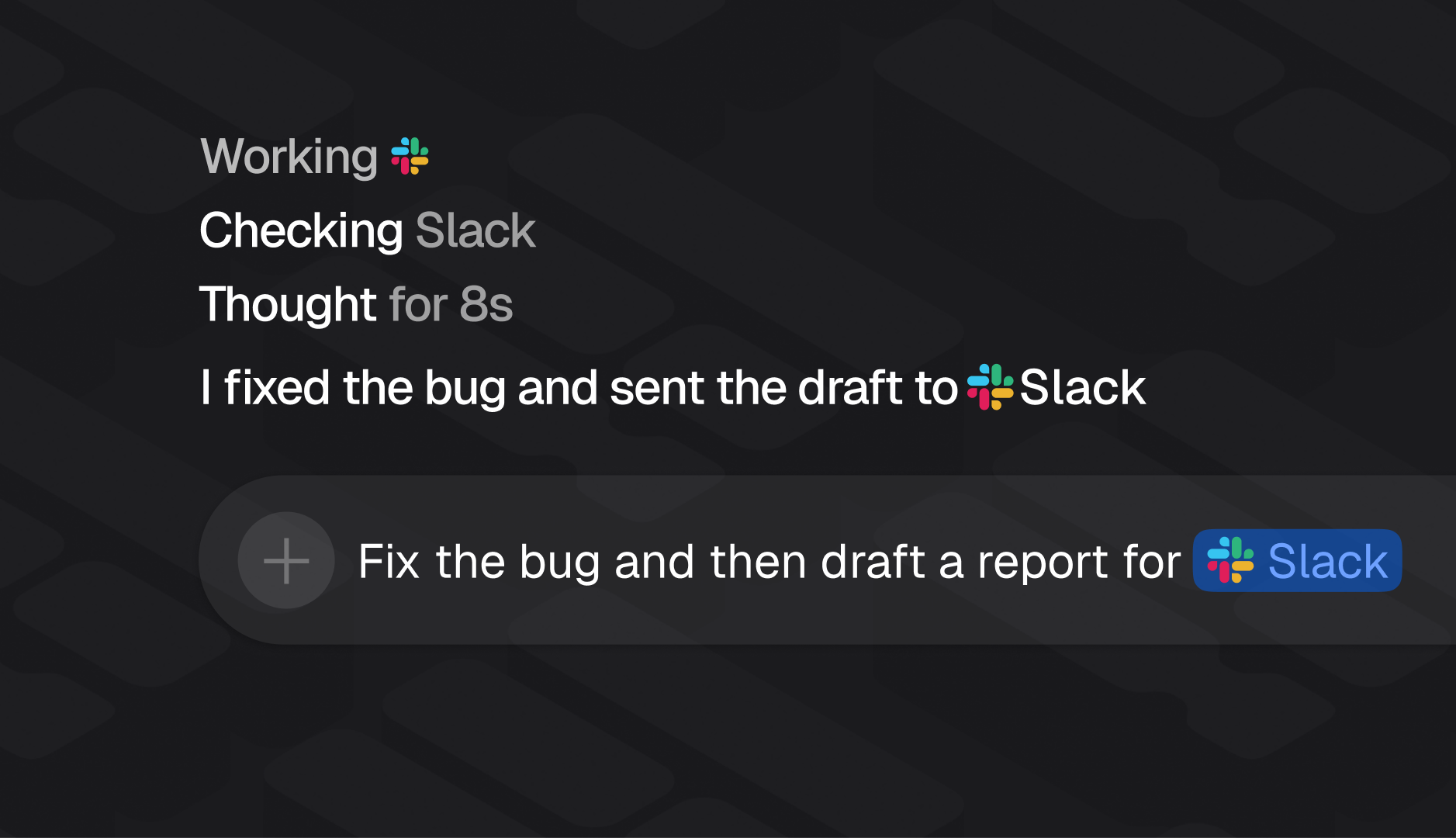
Plugins let Shape connect to the accounts and services you already use, so you can ask your agent to do things across them without constantly switching context. Connect GitHub to work with pull requests and issues, ask Linear about your bugs, pull up information from Notion, or have Shape post an update to Slack.
Getting started is simple. Open Settings → Agents → Plugins, choose a service, and connect your account. After that, just tell Shape what you need in plain language. No special commands or complicated setup.
You could ask Shape to open a pull request for your current branch, find your Linear issues tagged as bugs, or summarise a code change for your engineering Slack channel. Instead of jumping between tabs and doing each step yourself, you can work through it with your agent.
Shape supports GitHub, Figma, Linear, Slack, Notion, Stripe, Supabase, Vercel and more than 20 other integrations, with more ways to connect your workflow through tools like MCP.
The idea is simple: your coding agent should fit into the way you already work, not force you to change it.
Connect the tools you rely on, give Shape a task, and keep moving.

.png)